
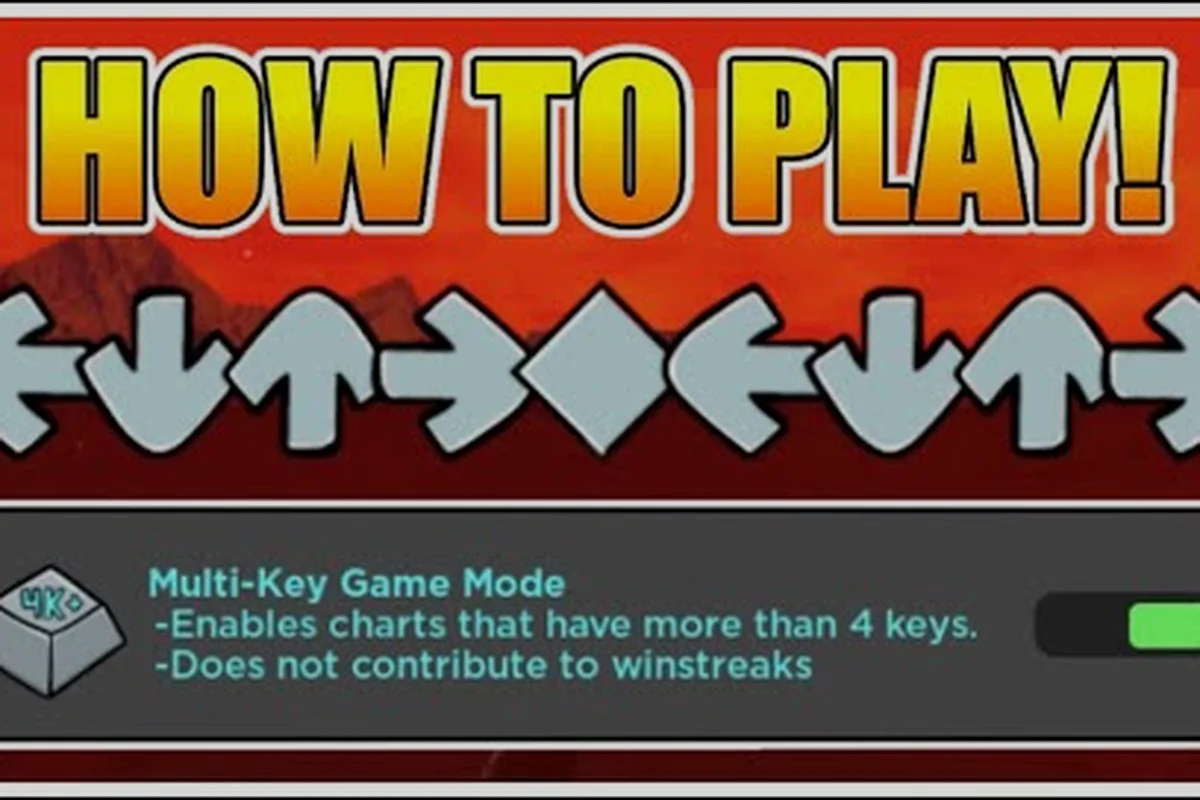
Funky Friday's difficulty system isn't just a number on a chart — it spans a 10-tier ladder from Easy through Mania, plus the 4K/6K/9K key layouts that physically reshape every chart. This guide breaks down the Funky Friday difficulty guide so you can read tier labels correctly, switch key modes in seconds, and pick the right chart for your hands.
Reading the Funky Friday Tier Ladder
The game ships with 10 difficulty tiers stacked above the default 4-lane layout, and every song in the catalog carries one of those tier labels. According to the Difficulties wiki entry, the ladder climbs Easy, Normal, Hard, Expert, Insane, Crazy, Alt, BadTime, Dimensions, and finally Mania, with each tier stretching the chart density, the BPM tolerance, and the arrow patterns you'd otherwise take for granted in the base game.
Easy mirrors the original Friday Night Funkin' feel — two-key arrows, generous timing windows, and almost no sustained streams. Normal tightens the timing window and starts throwing holds and alt-arrow chains. Hard is where the average player hits a wall, because alt arrows begin appearing on every other measure. Expert is the standard 4-lane competitive chart, while Insane ramps arrow density and BPM simultaneously. Anything past Insane — Crazy, Alt, BadTime, Dimensions, and Mania — is a deliberate stress test for veterans who already full-combo Expert charts.
| Tier | Arrow density | Typical BPM range | Recommended for |
|---|---|---|---|
| Easy | Very low | 90–120 | Brand-new players |
| Normal | Low | 90–140 | Returning FNF players |
| Hard | Medium | 110–160 | Casual week-night runs |
| Expert | High | 120–180 | Competitive 4K practice |
| Insane | Very high | 140–200 | Tournament prep |
| Crazy | Extreme | 150–220 | Stream practice |
| Alt | Variable | 140–200 | Alt-arrow specialists |
| BadTime | Extreme + patterns | 160–220 | Sans chart hunters |
| Dimensions | Chaotic | 170–230 | Pattern-recognition drills |
| Mania | Maximum | 180+ | Endgame grinder tier |
The arrow density column scales roughly with the tier, but BPM doesn't move in lockstep — a slow BadTime chart can still wreck you because of pattern complexity. Picking a tier should always start from the arrow density your hands can physically keep up with, not the BPM number alone.
4K vs 6K vs 9K: How the Funky Friday Key Modes Reshape Every Chart
The default 4-lane layout is what most players learn on, but the Funky Friday key modes — 6K and 9K — re-stretch the same song into a hand-span challenge. The Fandom wiki's main reference entry notes that "4K is the default four-lane layout, while 6 key and 9 key multi-key modes stretch Expert and Insane charts for players hunting a bigger hand-span challenge." That wording matters: 6K and 9K are not separate songs, they are the same chart re-laid across more lanes.
In 6K, the four original lanes split into six by inserting a middle column and stretching the outer ones, which means your index and pinky fingers suddenly have a third inner note to manage. The song doesn't get faster, but your hand does. In 9K, three extra columns wedge between and around the original four, producing a piano-roll feel that demands real finger independence. The community's official multi-key walkthrough by PremiumSalad demonstrates how a familiar Expert chart feels completely different once 9K is enabled.
How 6K Changes Charts
When 6K is active, every arrow that originally sat on a single lane gains a chance to be re-routed into the new mid-column, and 1/3 patterns become noticeably more demanding. Players who already two-alt well on 4K Hard often transfer to 6K Normal or 6K Hard before touching 6K Expert. The tier label doesn't drop when you change keys — a 6K Hard chart is harder than a 4K Hard chart of the same song, even though the "Hard" label is identical.
How 9K Changes Charts
9K is where arrow density triples in practice, because the three extra lanes soak up pattern fragments that used to be simple 4-lane ladders. A 9K Insane chart isn't just a wider Insane — it's a genuine pattern rewrite, and players who skip 6K on the way up tend to develop sloppy finger habits that 9K punishes hard. The recommended ramp is 4K Expert → 6K Hard/Expert → 9K Normal → 9K Hard, then judge whether 9K Expert fits your hands.
Funky Friday How to Change Keys: A Step-by-Step Walkthrough
Switching key modes in-game takes about ten seconds once you know where the toggle lives, but the option moved in a recent settings-migration update. The Funky Friday reference notes that "Keybinds and arrow skins moved into the Arrow Customization UI in the settings migration update." That update reorganized the menu, so older YouTube tutorials that point at the legacy settings panel no longer match the current layout.
-
Open the Settings menu from the main lobby screen.
-
Select the Arrow Customization tab (this is where keybinds, skins, and lane count now live).
-
Click the Key Mode dropdown — the default is 4K, and your options are 4K, 6K, and 9K.
-
Pick your target mode; the preview lane will re-render in real time so you can see the new spread.
-
Hit Save, then re-enter any song — the new layout is applied immediately and stays active until you change it again.
If the dropdown is greyed out, you're probably inside a song already. Exit to the lobby first, then reopen Settings. Console and mobile players can reach the same Arrow Customization UI, but the binding step itself uses a controller or on-screen keyboard rather than the desktop keybind capture.
| Setting location | Pre-migration | Post-migration |
|---|---|---|
| Keybinds | Settings → Controls | Settings → Arrow Customization |
| Arrow skins | Settings → Display | Settings → Arrow Customization |
| Lane count | Not exposed | Settings → Arrow Customization → Key Mode |
| Audio offset | Settings → Audio | Settings → Audio (unchanged) |
For deeper coverage of the full settings panel — including how to remap individual keybinds, tune the audio offset slider in milliseconds, and swap between 4K, 6K, and 9K lane spreads — the Funky Friday settings walkthrough walks through every Arrow Customization toggle introduced by the settings migration update, and is especially useful for 6K and 9K players who need to bind extra arrow keys beyond the default WASD/arrow layout.
Funky Friday 6 Key Songs: Where 6K Actually Works
Not every song benefits from 6K. Fast, stream-heavy tracks become unreadable in 6K because the extra mid-column eats the spacing, while mid-BPM songs with clear melodic phrases suddenly feel piano-like. The community's Reddit recommendation thread flags TouHou-mod tracks as the amateur-friendly entry point because their patterns repeat in short, predictable loops — exactly the structure you want when learning a new lane spread.
| Song family | Why it works in 6K | Recommended starting tier |
|---|---|---|
| TouHou mod tracks | Short repeating loops | 6K Normal |
| Pico Week | Steady 130 BPM | 6K Hard |
| Varioside | Sparse alt arrows | 6K Hard |
| South-original | Mid-tempo phrasing | 6K Expert |
| Sarvente's mid-tempo | Melodic ladders | 6K Hard |
A useful rule: if a song's 4K chart already feels too easy on Hard but Expert is a brick wall, the 6K version of Hard often lands in the sweet spot. That's because the lane spread forces a slower reading speed without raising the BPM.
Funky Friday 9 Key Songs: Picking Charts That Don't Wreck Your Hands
9K is where hand-span becomes the real ceiling, not arrow density. The Songs wiki notes that the catalog now spans more than 174 mods, including boss tracks like Ferocious (15:22), Omnipresent (14:07), Algebra (11:00), and Candlelit Clash (10:04) — long maps where the right hand tends to cramp before the left if the lane spread is too wide. According to the Funky Friday songs page, these long boss tracks are where 9K practice either builds real finger independence or causes RSI.
| Boss track | Length | 9K viability | Why |
|---|---|---|---|
| Ferocious | 15:22 | High | Steady ladders, endurance test |
| Omnipresent | 14:07 | Medium | Pattern shifts every minute |
| Algebra | 11:00 | High | Repeating 9K-friendly phrases |
| Candlelit Clash | 10:04 | Medium | Alt-arrow heavy stretches |
If you're coming from a piano background, 9K feels intuitive within a few hours. If you're coming from 4K only, budget at least a week of 9K Normal before judging whether 9K Hard is realistic for your hands.
Funky Friday How to Play 6 Key: Technique and Drills
The most common mistake players make when learning Funky Friday how to play 6 key is anchoring their thumb on the spacebar or using only four fingers and "reaching" for the extra lanes. That builds tension in the forearm and produces sloppy streams within minutes. The cleaner approach is to assign each of your six lanes to a dedicated finger, treat the lane spread as a fixed hand position, and let the chart come to your fingers instead of chasing arrows with your wrist.
A practical drill set that targets the exact weaknesses 6K players develop — thumb anchoring, wrist chasing, and inner-finger collapse — by isolating one motor skill at a time. Run each block for 10–15 minutes before rotating charts, since short focused reps build the lane-mapping muscle memory that long unfocused sessions actively erode.
-
Static-position drill — pick any 6K Normal chart, freeze your hand at full lane width, and tap every note without shifting. If you can't reach, your 6K keybinds are too wide; tighten them in Arrow Customization.
-
Alt-arrow ladder — play a 6K Hard chart that has alt arrows in the inner two lanes only. This forces inner-finger independence without involving your outer fingers.
-
Stream endurance — pick a 6K chart at 140–160 BPM, full-combo it three times back-to-back. If your forearm cramps, drop to 6K Normal and rebuild base endurance.
For a fuller drill routine that covers arrow reading and timing windows — especially the 1/4-note and 1/8-note timing gates that separate 6K Normal clear rates from 6K Hard FC runs — the Funky Friday beginner guide walks through the reading fundamentals and BPM scaling that the static-position, alt-arrow ladder, and stream endurance drills above build on.
Funky Friday How to Play 9 Key: Building Finger Independence
9K doubles down on the 6K fundamentals, and the extra three lanes mean your thumb, ring, and pinky fingers all have to be independent, not just responsive. Community testing reported by the Funky Friday keys reference suggests that players who skip 6K and go straight to 9K develop cross-hand timing drift within a few sessions. The safer ramp is 4K → 6K → 9K, even if 6K feels redundant.
Key technique points to remember before grinding 9K charts: the 9-lane layout maps roughly 1:1 to the keyboard's home-row span, so the muscle memory you build transfers directly back to 4K and 6K Expert once you've trained each finger to own its lane. Treat the inner three lanes as a separate warm-up — players who spend 10 minutes on a 4-5-6-only chart before touching a full 9K stream cut their accuracy drop-off in half during the first 30 seconds, according to community runs cited in the Funky Friday difficulty guide. The order of operations matters: lock lane assignment first, then re-bind the outermost key, then run short 9K songs from the easy chart pool to anchor the new hand position.
-
Don't lock your wrist. 9K rewards a relaxed, slightly arched hand position. A locked wrist produces a slow, fatigued stream within a minute.
-
Practice inner fingers on their own. A 9K chart that only uses lanes 4, 5, 6 isolates the middle fingers and is one of the fastest ways to build independence.
-
Bind your outermost lane to a comfortable key. 9K's outermost lane often sits beyond the natural reach of an average hand. Rebind it in Arrow Customization before grinding a long chart, or you'll build a repetitive-strain habit.
-
Use 9K as a supplement, not a replacement. Most 9K players still grind 4K Expert and 6K Expert to keep raw arrow-reading speed honest.
When to Step Up a Tier vs. Switch a Key Mode
A frequent dilemma: should you grind the same song on a higher tier, or switch key modes? The answer depends on what's failing. If you're missing notes because of timing, the tier is the bottleneck — your arrow-reading speed hasn't caught up to the BPM, and 6K/9K won't help. If you're missing notes because of finger tangles or pattern density, the lane spread is the bottleneck — switching to 6K or 9K with the same tier can actually make the chart easier by spreading the same pattern across more fingers.
| Symptom | Likely cause | Fix |
|---|---|---|
| Missing on the same beat every time | Timing window | Stay on 4K, raise tier gradually |
| Fingers colliding on inner lanes | Lane spread | Switch to 6K or 9K at current tier |
| Hand cramps after two minutes | Keybind width or posture | Tighten keybinds, drop one tier |
| Full-combo 4K Expert consistently | Ready for spread | Step into 6K Expert, not 9K |
A practical escalation path is: full-combo a 4K chart three times in a row → try the 6K version of the same song one tier lower → if clean, try 6K same tier → only then sample 9K. Skipping steps tends to produce plateaued scores that look like progress but are really the same chart memorized at a wider spread.
Tuning Audio Offset and Star Ratings Around Your Key Mode
Star ratings on each song reflect the base 4K chart, not the 6K or 9K version, so a 9K full-combo almost always lands above the displayed star count. Players who switch key modes a lot also need to recheck their audio offset, because the wider hand position can introduce a few milliseconds of visual lag. Our Funky Friday audio offset and star rating explainer walks through the re-tuning steps and explains how the displayed star ratings scale (or don't) when you change lane count.
Frequently Asked Questions
What is the easiest Funky Friday difficulty for new players?
Easy is the recommended starting tier for anyone new to the game, because it uses the original Friday Night Funkin' two-key feel and the most generous timing window. Once you can full-combo three Easy songs in a row, step up to Normal rather than grinding Easy further — Easy stops teaching new mechanics once you can clear it consistently.
How do I switch to 6 key in Funky Friday?
Open Settings → Arrow Customization → Key Mode and select 6K, then save. The change applies to every song you enter afterward, and the chart will re-render with six lanes immediately. If the dropdown is greyed out, exit any active song first, because the toggle is only available from the lobby screen.
Is 9 key harder than 6 key?
Yes — 9K is a strict superset of 6K difficulty, because the extra three lanes force genuine finger independence rather than just wider reaches. Most players who skip 6K and jump straight to 9K develop sloppy inner-finger habits within a week, so a 4K → 6K → 9K ramp is the safer path.
Do star ratings change when I switch key modes?
No, the displayed star rating reflects the base 4K chart and stays the same in 6K and 9K. A 9K full-combo almost always over-performs the star count, which is why high-skill players use key-mode switching as a way to grind scores that look impressive on the leaderboard. If you want a true reflection of the chart's difficulty, treat 6K and 9K clears as roughly 1.2×–1.5× the displayed star value.
Which Funky Friday 9 key songs should I practice first?
Start with long, repeating boss tracks like Algebra or Ferocious, because their ladder patterns are 9K-friendly and their length doubles as endurance training. Avoid the alt-arrow heavy stretches on shorter songs until your inner fingers are independent — those charts expose weak finger isolation faster than they teach it.